Before
The Jones Project is a teen mental-health nonprofit. It was launching a new program — the Topeka Leadership Academy — and it needed to recruit, admit and teach a cohort of students.
What it had to do that with was the setup a lot of small nonprofits recognize: the real database was a spreadsheet, and there was no web presence to send anyone to.
That combination causes a specific kind of pain. Applicant lists, rosters and status lived in workbooks that quietly drifted out of sync with one another. Anyone who heard about the program and wanted to know more had nowhere to go. And whoever was holding the spreadsheet had become a single point of failure for the whole operation, whether or not anyone had decided that on purpose.
What I built
Not a website. A system that happens to have a website on the front of it.
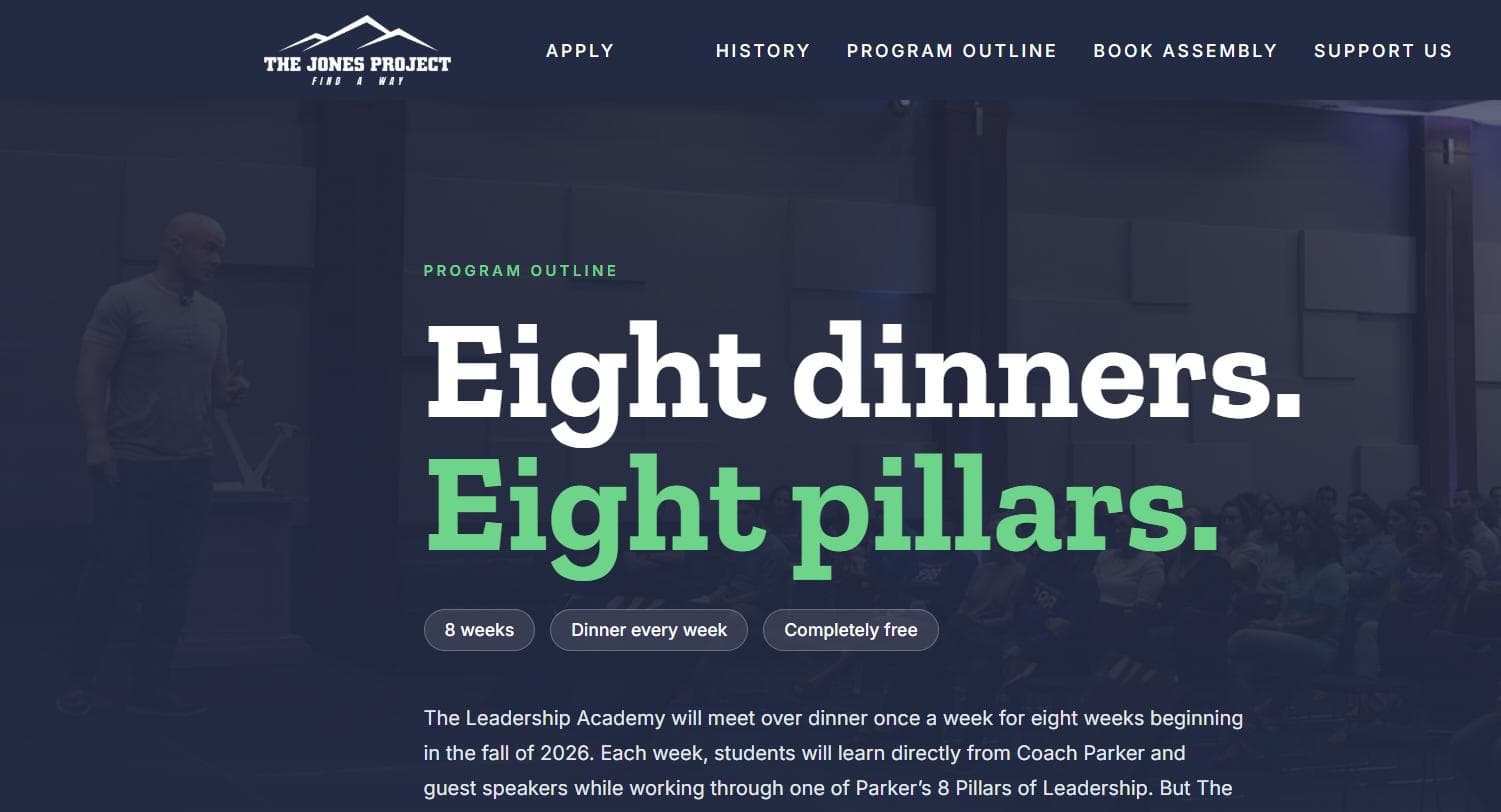
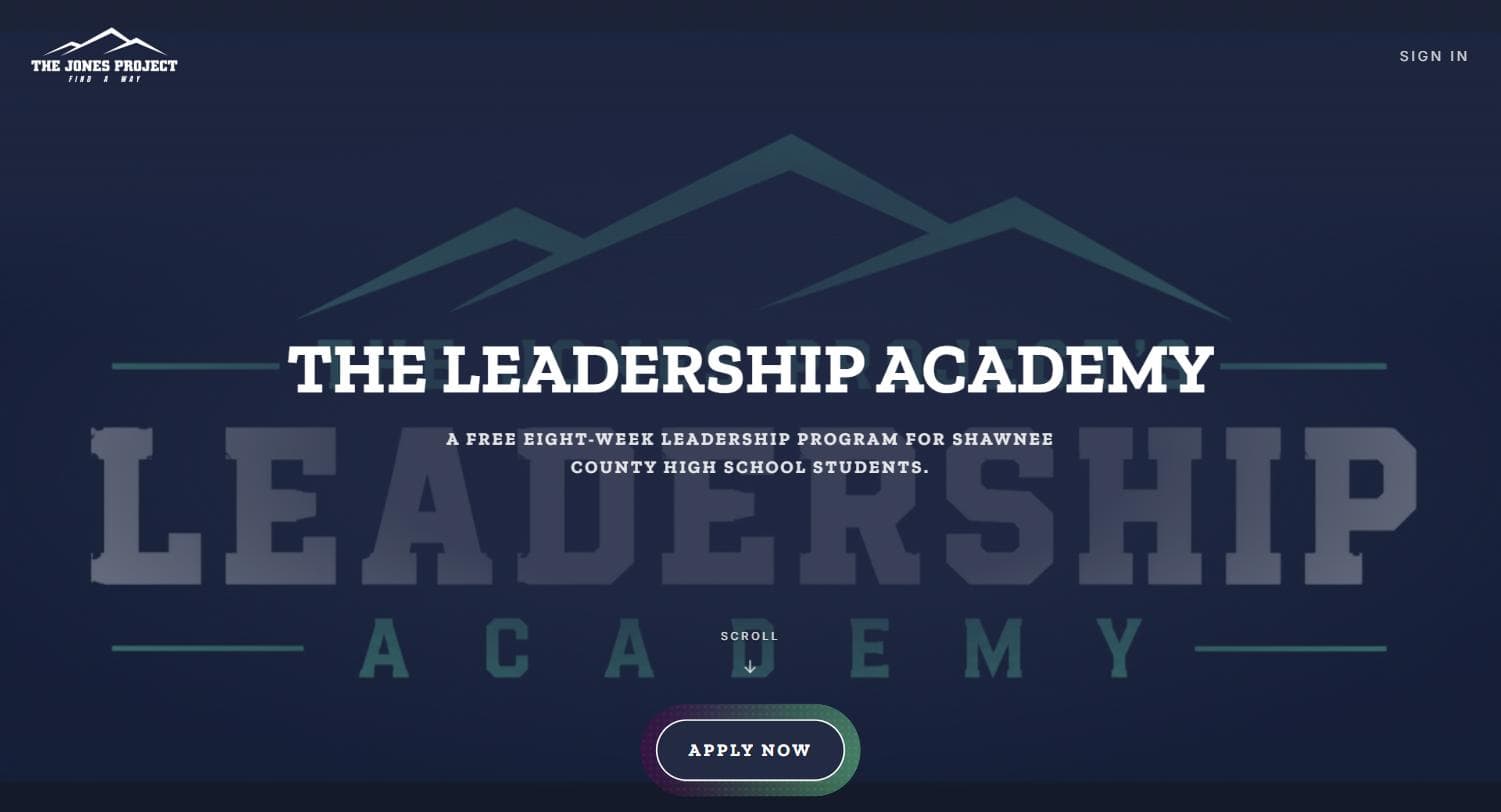
Public site. The program explained properly, plus its history, how to support it, and how to bring it to a new school — all of it editable by staff without calling me.
Application intake. Prospective students apply through the site and can check their own status afterwards, which removed an entire category of email.
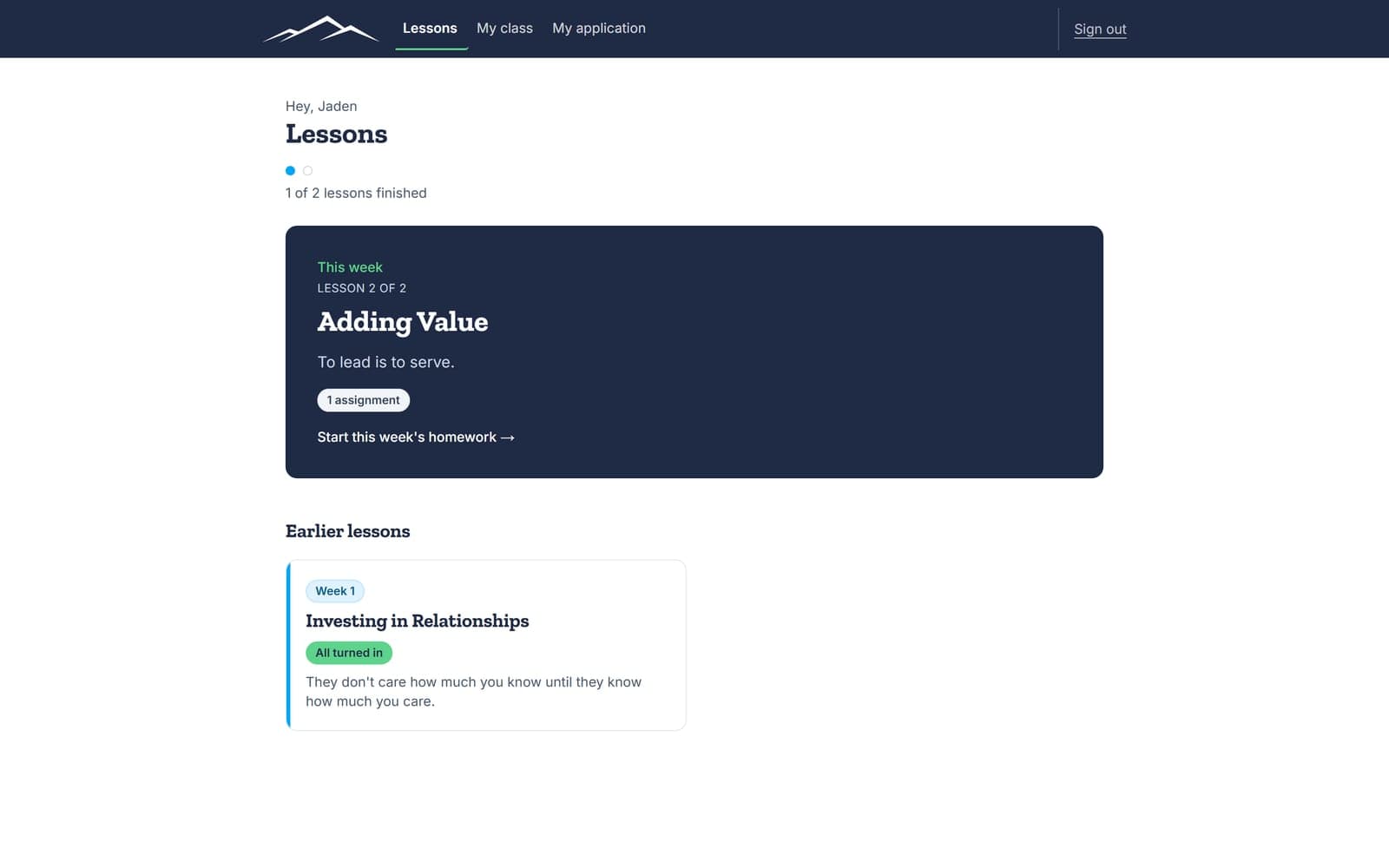
Student portal. Lessons, assignments and submissions. Students work through the program in the same system that admitted them.
Admin console. Application review, applicant and student records, submission grading organised by week, lesson management, a content editor, and an inbox for general enquiries. This is the part that matters most — it is what lets the organization operate without me.
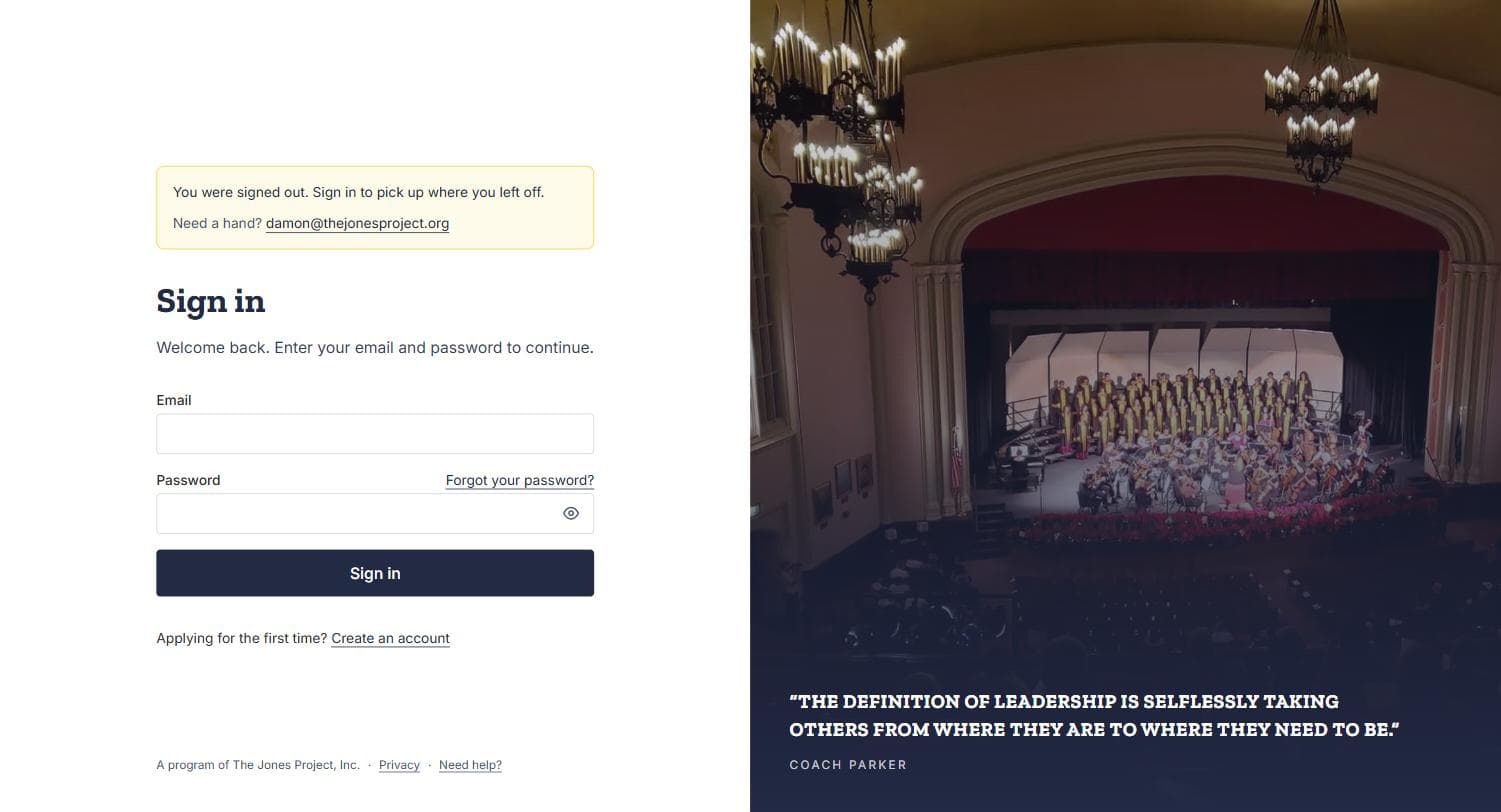
Accounts and roles. Registration, email verification, password reset, and distinct permissions for staff, students and the board.
Three decisions worth explaining
Anyone can list features. What demonstrates judgement is the reasoning behind the calls that could have gone the other way.
The board shares one account. Individually, board members log in rarely enough that separate accounts would have meant a permanent queue of password resets and stale invitations for almost no benefit. One shared, tightly scoped board login was the honest trade — and it is written down as a decision so that nobody later mistakes it for an oversight.
Lessons are text, not video. Video is the obvious choice and the wrong one here. Text is faster to author, faster to correct, works on a bad connection inside a school building, and does not go stale the moment one detail changes. The video infrastructure exists in the system for where it earns its place; the lessons themselves deliberately do not use it.
Uploads carry a provenance marker. Anything the app creates in video storage is stamped by the app. The cleanup job that removes orphaned files only ever touches items carrying that stamp, so a video somebody uploaded by hand cannot be deleted by an automated sweep. Small piece of defensive design, built specifically because the failure it prevents would be silent and unrecoverable.
After
The system is live and in daily use. Five staff accounts, applications arriving through the front door rather than an inbox, and one record of every applicant, cohort and submission instead of several that disagree with each other.
The part I am most pleased about is the least visible: staff change the site’s content themselves. The organization is not dependent on me to update a page, which was the entire point of building it this way.